Everything it does.
One line each. Free is every coach; Pro adds the names and the private switch; the last group is what your client gets.
Let clients
lift, like, laugh
& grow your brand
Client experience
with your demo coach, stickman
stickman.physicalfeed.com
Free
- The four stepsPublish once, in the Studio or from a house program. Share the link. Clients add it to their calendar. You track what gets done.
- The plan in the calendarEvery session lands on its day with the full prescription in the event, 120 to 180 days ahead.
- The StudioBuild a program from the drawn movements, one to sixteen weeks.
- PhasesBuild a plan in phases, each with its own weeks, sessions and days a week.
- Use your existing spreadsheetsRepurpose your existing spreadsheets with a single paste and click. physicalfeed.com/import
- The libraryPublish any of the house programs as they are, or copy one and change it.
- Your pageClaim yourname.physicalfeed.com: your shelf, your bio, a QR code and a link to post.
Coach view

- Your own movementsAdd a movement the library lacks. It has no drawing, and carries one link on the session page only.
- Session linksUp to three links on a session, on the session page only, never in the calendar event.
- An extra setOffer one more set on a block; the client may take it.
- Progression and tempoA rule turns the last logged weight into today’s weight in the event. A row can carry a tempo like 3-1-1-0.
- TimersA set or rest that begins with a time, like 30 sec, gets a timer on the session page.
- GroupsOne plan, one start date, many calendars; you can pin the start.
- Live sessionsSet a day, a time and your Zoom, Meet or Teams link; it lands in every calendar on the plan as its own event.
- MessagesWrite to everyone, a plan, a group, or one client on Pro, and it lands in their calendars within a day as an event marked ⚡, with up to 3 links and a thumbs question if you ask one. Up to 3 in any 7 days; a client can stop them with one tap. A client can add your ⚡ calendar, and your messages land there only, in their own colour.
- InvitesType clients’ emails and each gets their own link. They show as Invited until they add it. Or paste a list, up to 20 at a time.
- CaptureA client gives their name and email on your page and the link arrives by mail.
- Move a sessionMove one session, or everything after it, for a client. Clients can do the same for themselves.
- Private noteOne plain-text note on each client, only you read it, never in a calendar or a mail.
- ContactEach client’s row keeps their phone and how they like to be reached, with a Call or Text link only you see.
- Reached todayOne tap on a client’s row keeps the date you last reached them.
- NicknamesYour own name for each client, seen only by you.
- Ending a planEnd a client’s plan and the sessions already in their calendar stay; its links open a page with their history to save and your other plans.
- The week flagA lighter mark at seven days quiet, off until you turn it on.
- Your calendarsAdd Live, Clients and Action calendars, and the physicalfeed calendar, from a box on your page. Free sees counts.
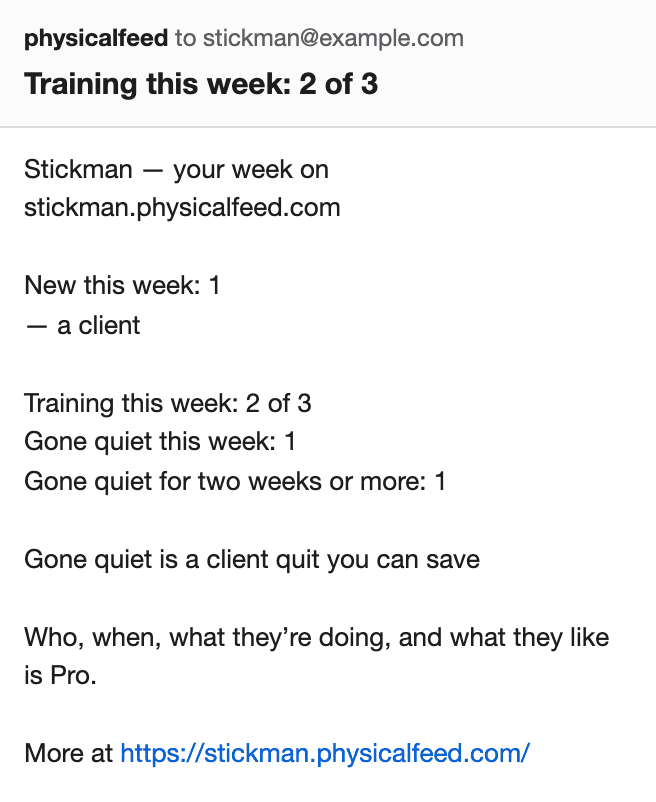
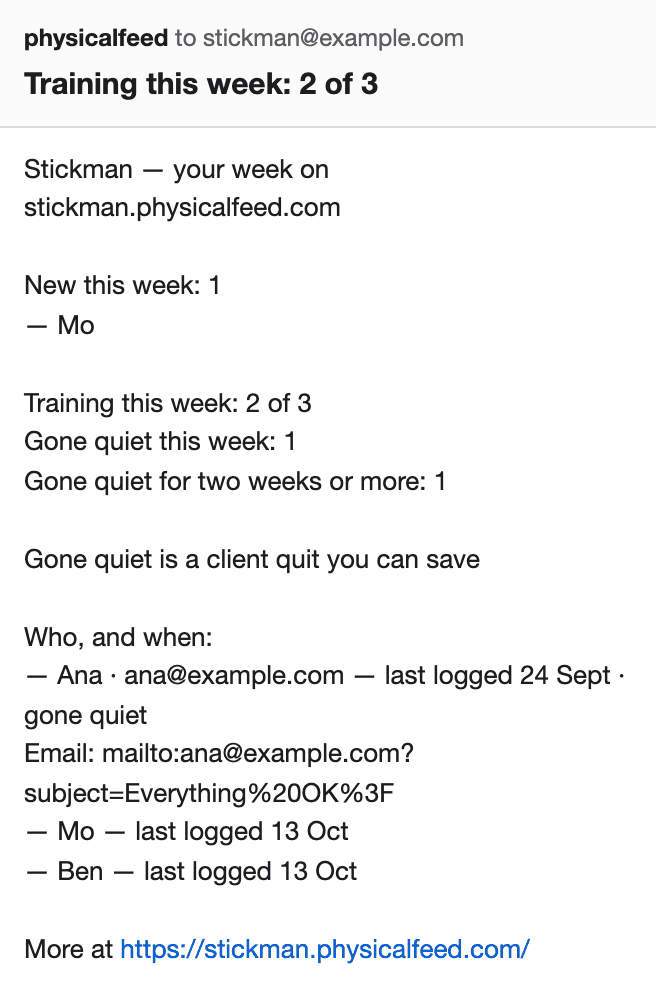
- Monday mailWho trained this week, in counts on Free and by name on Pro.
- Someone added your planA mail when the first person adds your plan, and the rest if you ask.
- Mail interfaceMail me@auto.physicalfeed.com from your sign-in address and get back your links, last Monday’s note and who is training. It is read-only.
- FuelFuel panels are daily habits: eat, drink, sleep, mind, and panels you name, in the calendar. 30 house Fuel plans to start from.
- Fuel panelsAdd Mind and panels you name, up to 5 in all, give any tab your own title, and put a timer of up to 60 minutes on Mind or a panel. Each day’s event opens with one line per panel.
- SellingSell a plan from your page through your own Stripe. physicalfeed takes nothing.
- Coach profileA bio, a link to your website and a chosen intro.
- Your markPick a house figure as your mark. No pictures are uploaded, on any plan.
- Swipe and MemeSwipe cards and memes of every drawn movement, wearing your address on your page.
- The AtlasA public page for every movement and every muscle.
- The Muscle MapTap a part of the figure, front or back, pick a muscle, and see the drawn movements that work it.
- Browse the AtlasThe Movements Atlas on your address opens on three columns, Muscle, Gear and Family, and each tap narrows the movements under them.
- Your plans in columnsWith 8 or more plans listed, your page shows them under columns of kind, gear and length, and each tap narrows the list.

Pro
$19/month, flat
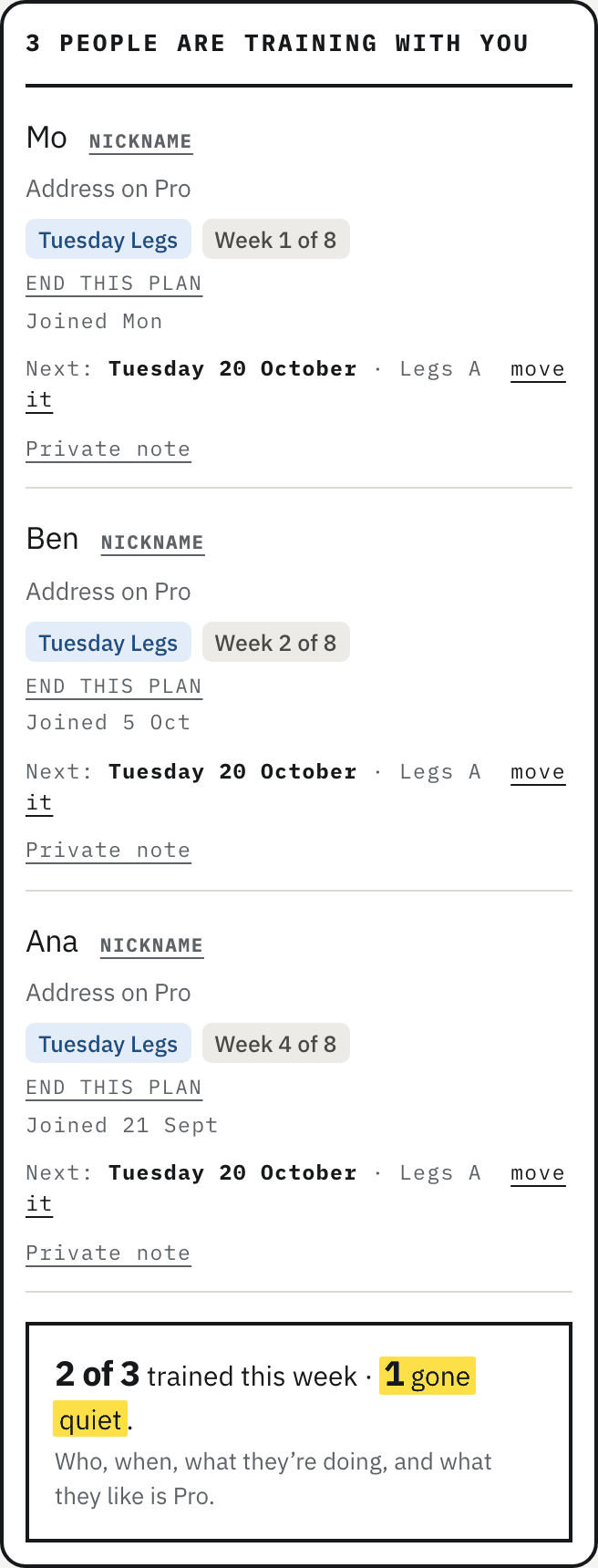
- See who is doing what, by name.
- Keep your plans private.
Cancel any time. All prices USD. No tax is added at checkout.
Free
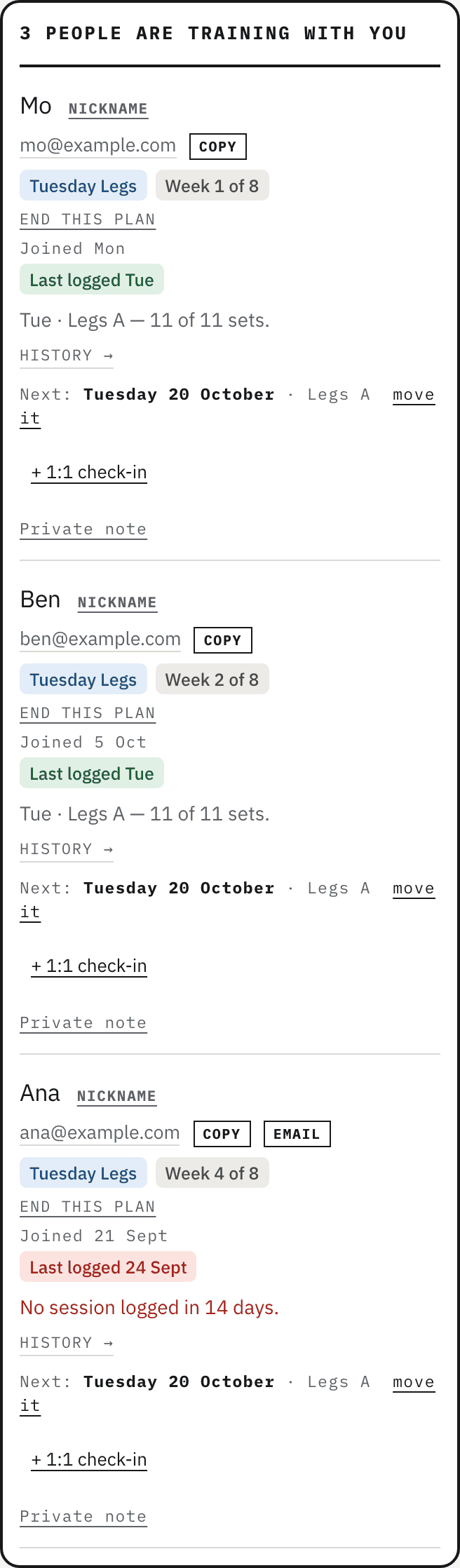
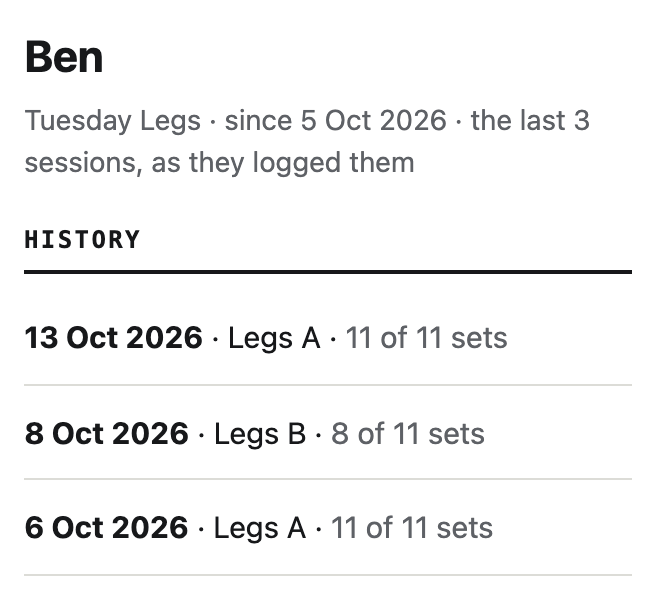
- HistoryWhat each client lifted, session by session.
Free
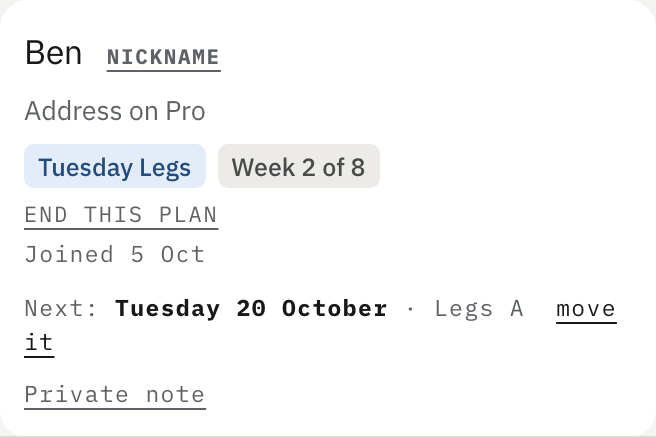
- A page for each clientHistory on a client’s row opens their page: sessions, top weight per lift, why they pass, their Fuel, when the plan ends, what they paid for, and your private note.
- How each client uses itA bar of Calendar, Click, Done and Detail on each client’s row, darker the more of the last 14 days had each; a tap shows the days.
- A face for each clientDrawn from the last 14 days of Done and Fuel answers, and Who’s training lists those not started and the quiet first.
- Links about a clientUp to 5 links of yours on a client’s page, such as a form in your own storage, each with a short label.
- Message one clientMessage on a client’s row writes to them alone, and Also email it opens any message in your mail app for the clients who said OK.
- OpenedWhether a client opened the session page from the calendar as well as whether they logged.
- The Email nudgeBeside a quiet client, a link that opens a note to them in your own mail app. You change it, you send it.
Free

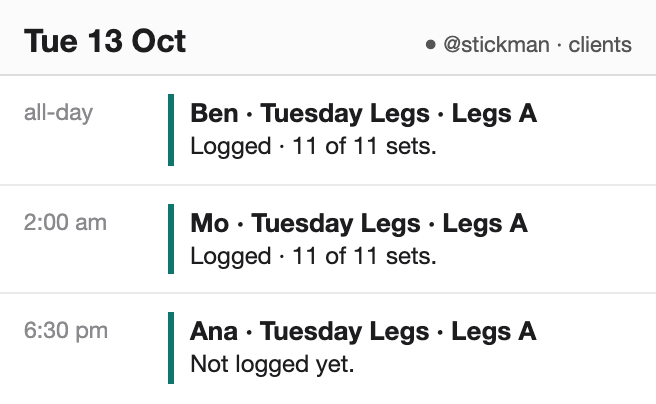
- Names in your calendarsThe Clients and Action calendars carry names where Free carries counts.
Free
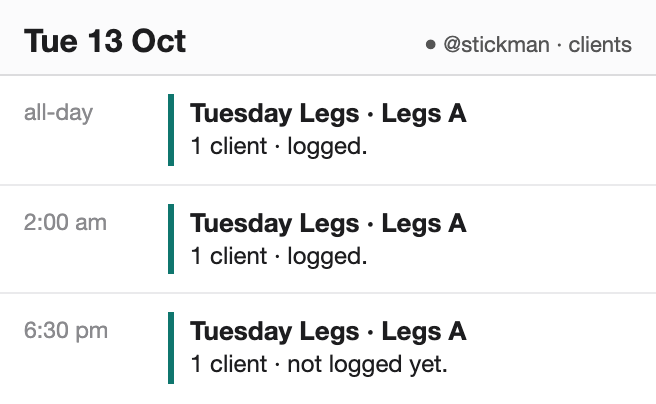
- Names in the Monday mailWho trained and who went quiet, by name.
Free
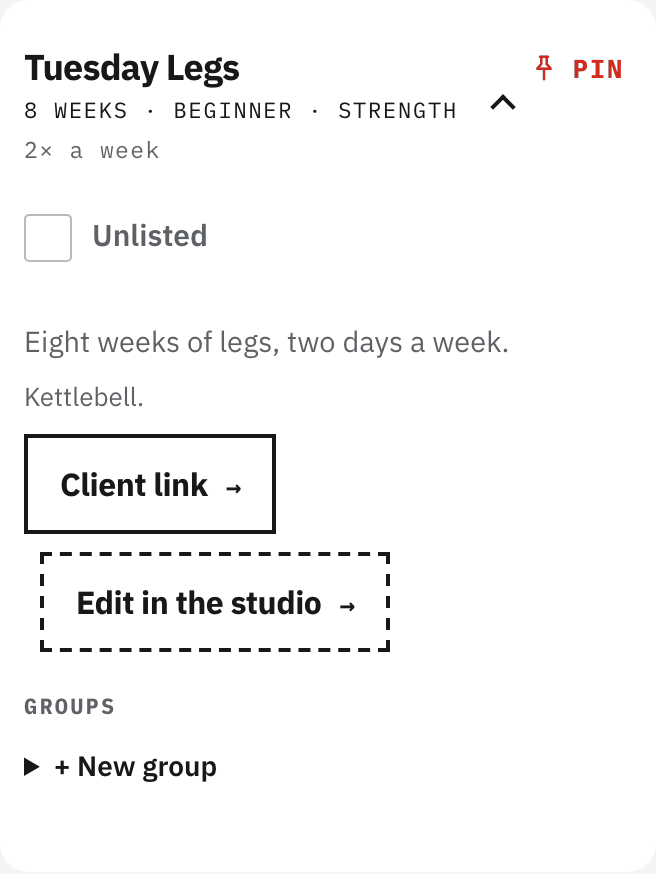
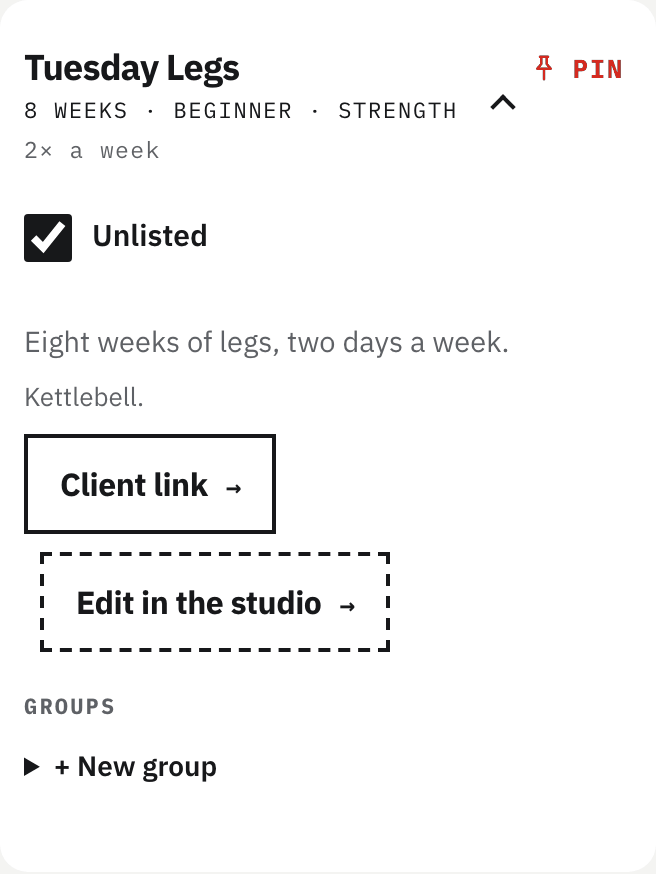
- Unlisted plansKeep a plan off your shelf; a client needs the link.
Free
- ThumbsSee which movements your clients like, in the Monday mail and on your page.
- 1:1 check-insA standing slot for one client, in their calendar and yours.

Your client
- The whole session in the eventSets, reps, weights and cues, readable with no signal.
- Log a weightTap a set or log a weight on the session page; it comes back in the next event.
- Done or skipTap done on a session, or skip it.
- kg or lbPick once on the session page; weights show in that unit.
- TimersA timed set or rest has a timer, and the screen stays awake.
- Move a sessionMove a session to another day, or shift everything after it.
- ThumbsThumbs up or down on a movement.
- Your coach’s weight ruleIf your coach sets one, the event shows today’s weight from what you last lifted, and the tempo.
- One calendar per coachAdd a second plan from the same coach and you may combine the two into one calendar. You can split them again or end one.
- Name on the doorYour name and email are asked when you add a plan. Letters, spaces, hyphens and apostrophes, up to 40 characters.
- Fuel by emailAsk for a week at a time by mail.
- Stop linksEvery mail carries a stop link, for the week or for that coach.
- Try a planTry the first three weeks of a house plan, then keep going or ask for a coach.
- ShareA share strip and a picture to save.
Selling
- Your own StripeEvery sale is made on your Stripe account, on Free and on Pro. physicalfeed takes nothing; Stripe’s own fees apply, and payouts, receipts and refunds are yours.
- OnceSet a price on a plan and its button reads Buy. The client pays once and keeps the whole plan.
- MonthlySet a monthly price and the client is billed monthly until it ends. Send the link to one client or a group, or list the plan for anyone.
- PassesSeveral of your plans for one monthly price. A client joins once and adds any plan on it to their calendar; a plan you put on it later is there for them too. Free sees how many hold it, Pro sees who.
- When it endsEnd this plan or End this Pass stops the charges, and so does the client’s own End this plan. Their calendar keeps the sessions up to the paid date, and its links open a page with their history to save, your other plans and your address.
- RefundsA full refund or a dispute, made in your Stripe, takes the plan back at once (for a Pass, every plan on it): their calendar empties on its next refresh, the links stop opening, and monthly payments stop. A partial refund changes nothing.
Read this before you publish
It’s a calendar feed, not a push. Google refreshes on its own schedule, often 8–24 hours. New sessions and edits usually arrive within a day. If you need same-minute changes, this isn’t the tool.
Android clients add it from a desktop. Google Calendar’s phone app can’t add a calendar from a link; the link works from any desktop browser and syncs to the phone from there. We tell them this too.
Links can be shared. A plan is a link, like any digital product. We don’t build DRM. A leaked feed is a poor copy: someone else’s start date and training days.
Your name is on every event, and on everything you share. Ours too.
The whole prescription is in the calendar event — sets, reps, weights and cues — and reads with no signal. One honest exception: logging a weight or tapping done needs a connection. Without one the page says so, and you tap again when you have signal.
FuelEat + Drink + Sleep
Fuel your clients’ calendars with eating / hydration / sleeping plans as easily as a workout
- Food, water and sleep: a tab each, against the targets you set.
- One tap each. Nailed it, Mostly, Partly or Not today.
- Nothing for them to weigh, count, photograph or type.